Week 1 · 45-60 min
Meet the Computer
Week Summary
A quick preview of the main ideas in this week before you begin the slides.
- What Is a Computer?
- Core Hardware Parts
- What Is an Operating System?
- Starting Up and Logging In
Glossary
Review these key terms before starting this week. They are kept simple so students can learn the new vocabulary before moving into the slides.
- What Is a Computer?
- What Is a Computer?
- Core Hardware Parts
- Core Hardware Parts
- What Is an Operating System?
- What Is an Operating System?
What Is a Computer?
Progress
1 / 8
Understand what a computer is and its basic parts.
Read one card at a time. Focus on the main idea first, then look at the visual on the right to help it stick.
A computer is a machine that takes input, processes it, and gives output.
Examples include desktops, laptops, tablets, and phones.
Hardware means the physical parts; software means the programs.
Computers follow instructions and do not think on their own.
Digital skills open doors to jobs and learning.
Remember
A computer follows instructions to help people work, learn, and communicate.
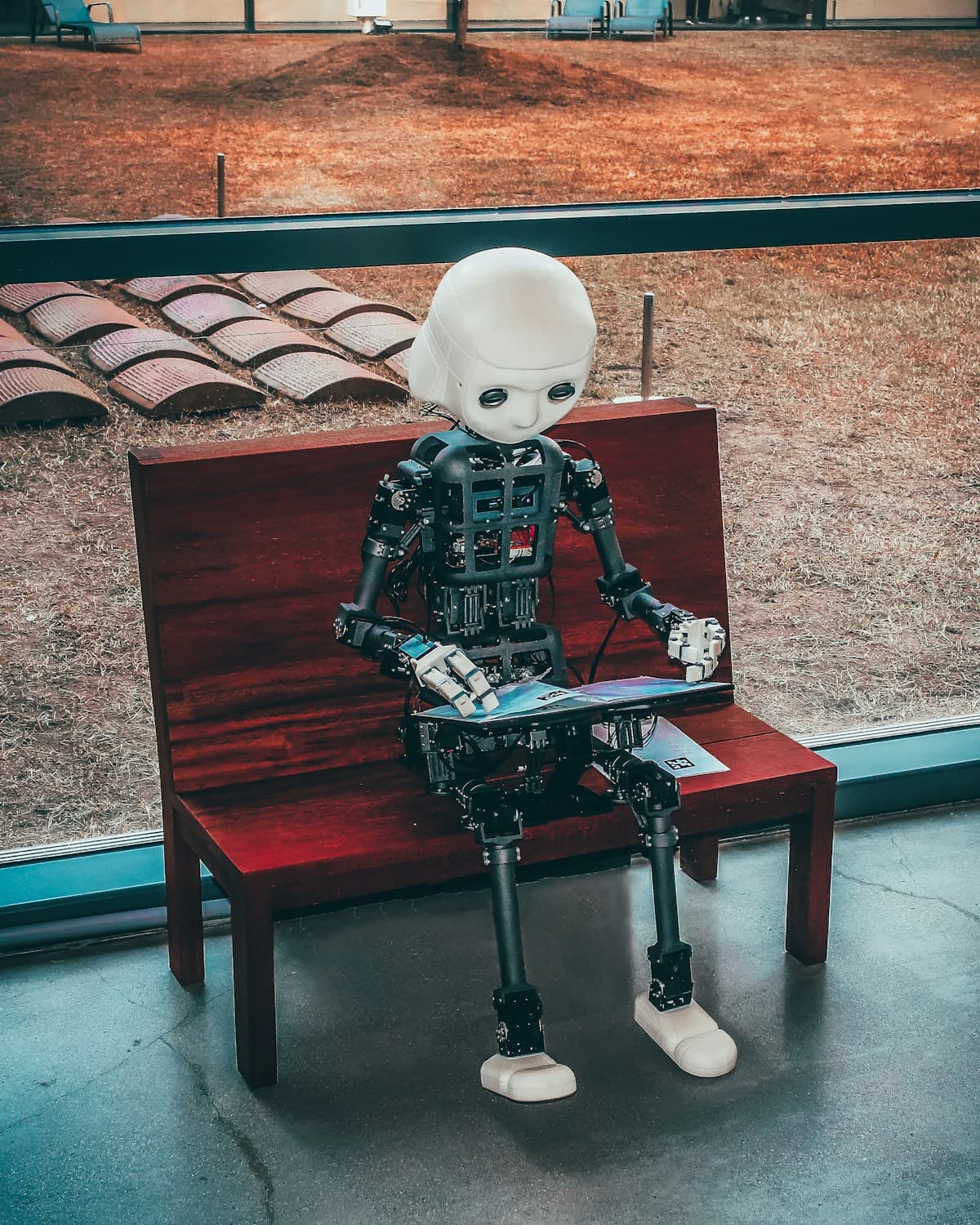
What Is a Computer?
Slide 1 of 8
Use arrows or dots to move through the lesson
Practice
- Write 2-3 sentences about what you learned this week.
Coming Next Week: Next: Files and Folders